Meet Kanvify
The app has its name and icon: Kanvify, with a K drawn like a route, from an open start ring to a finish dot. The iPhone app is coming soon.
Running for beginners, on iPhone
Kanvify is a running coach for your iPhone, made for real beginners. Follow a gentle walk-run plan while a friendly voice tells you when to run and when to walk.
Coming soon to the App Store
Kanvify 1.0 will be free. No account, no ads.
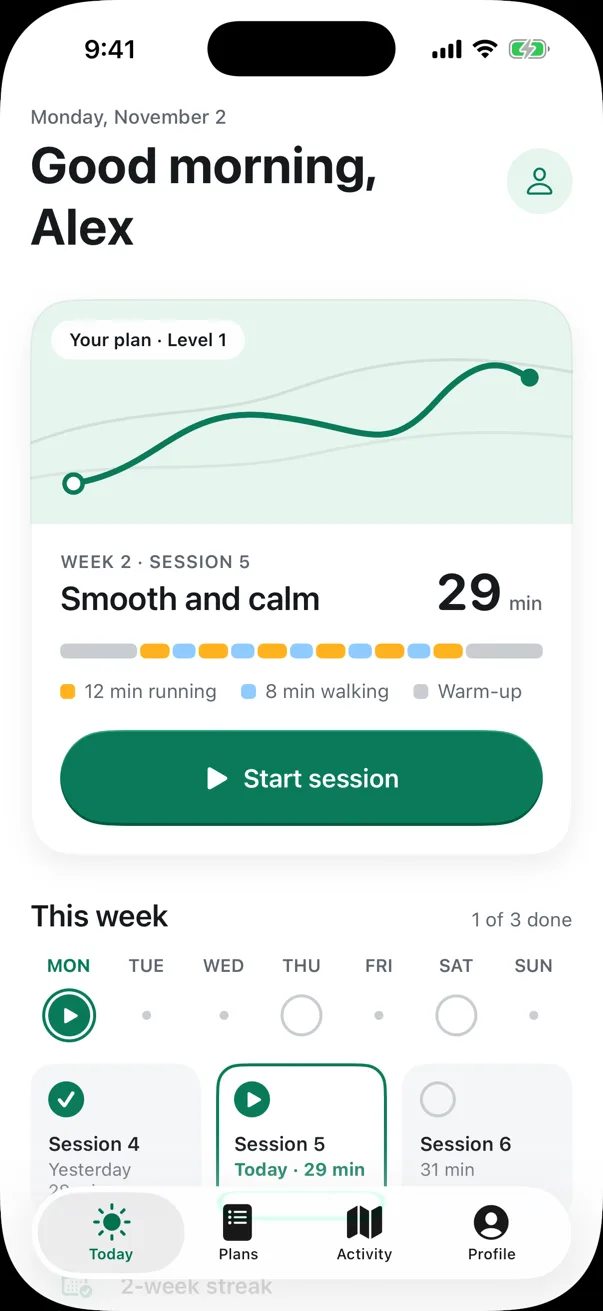
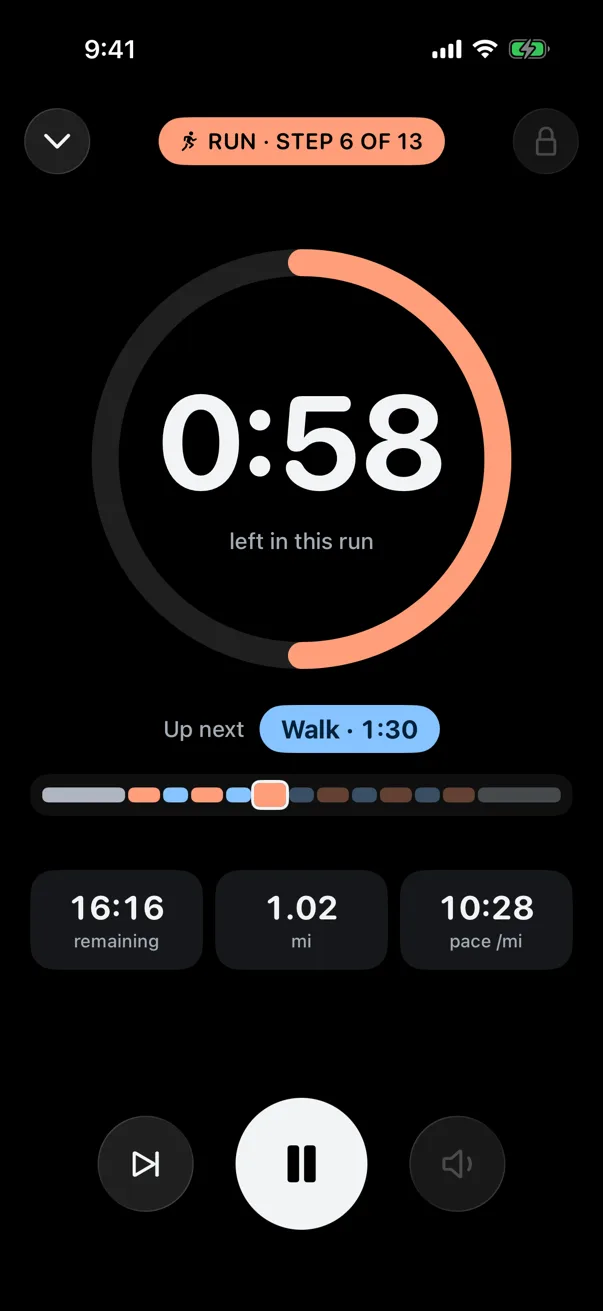
Made for your very first run, and for every run after it.
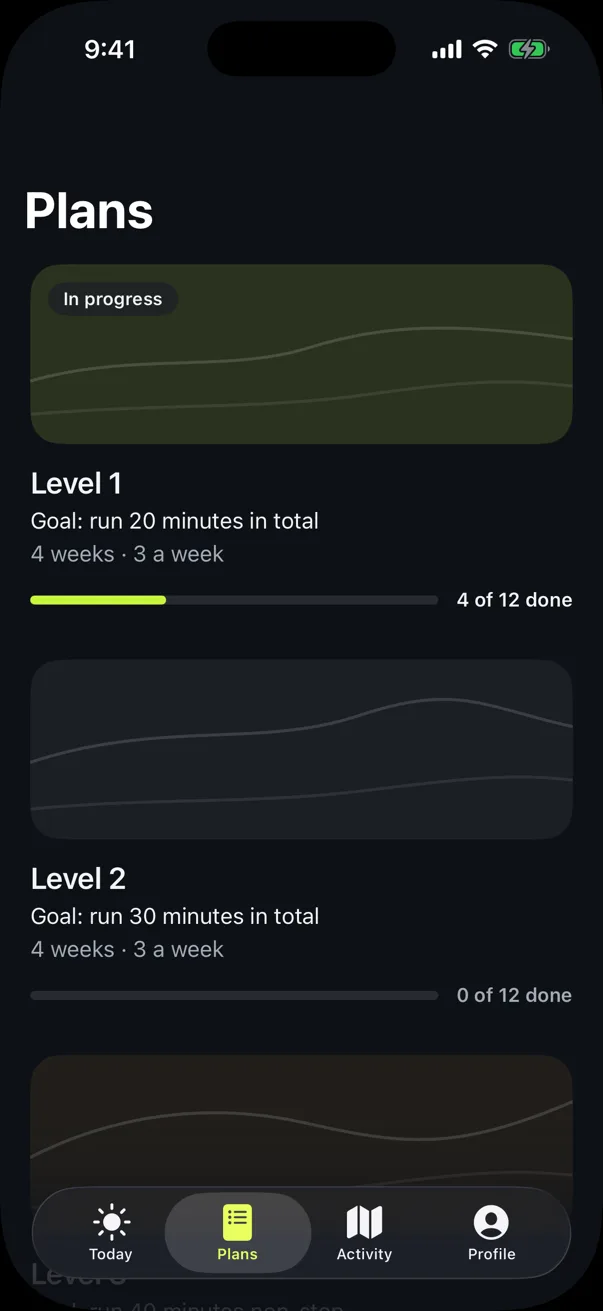
Four levels and 48 sessions take you from one-minute runs to running an hour non-stop. Every session starts with a warm-up and ends with a cool-down.
It tells you when to run and when to walk, counts down each minute and lets you know when you’re halfway. It keeps going with the screen locked, over your music.
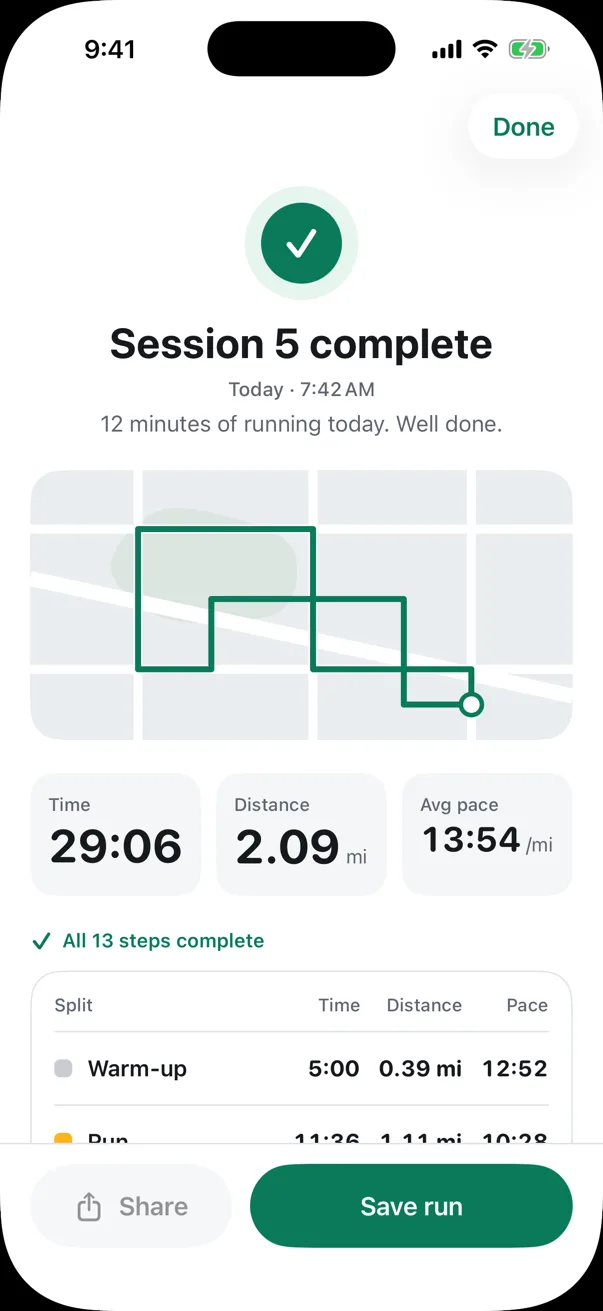
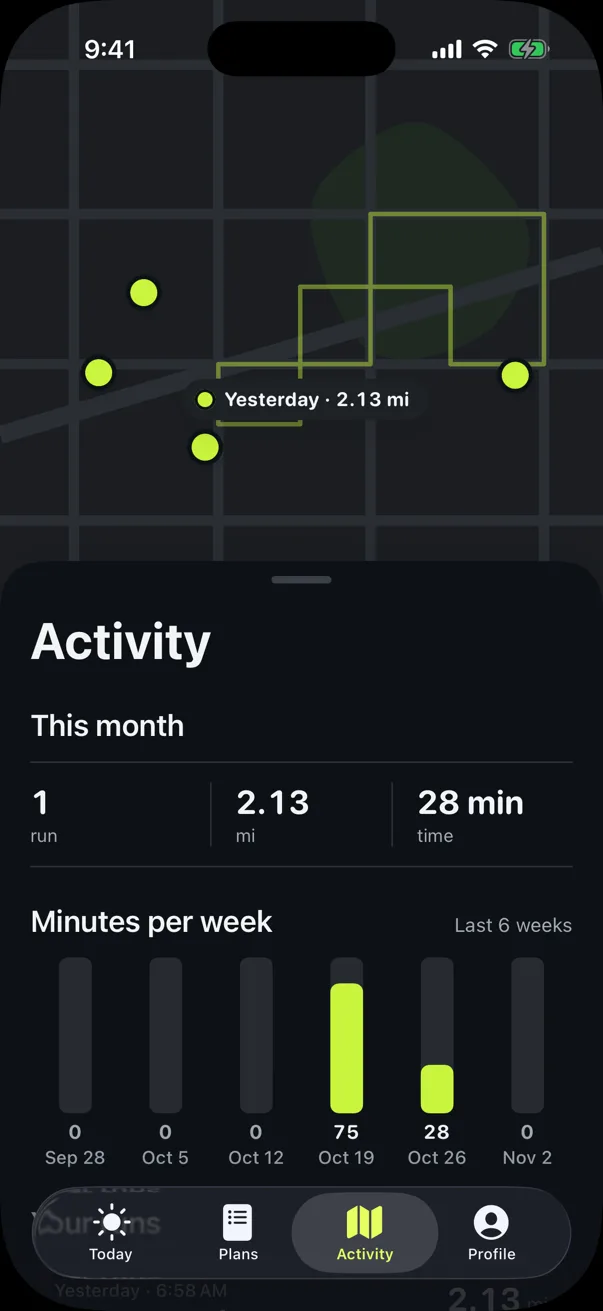
Outdoors, Kanvify measures your distance, pace and route. On a treadmill, it uses your iPhone’s motion sensors instead.
A Live Activity shows the current step and the time left, so you can check without unlocking your phone.
If you want, save each run to Apple Health as a workout, with its route. It’s optional, and you can turn it on or off in Settings.
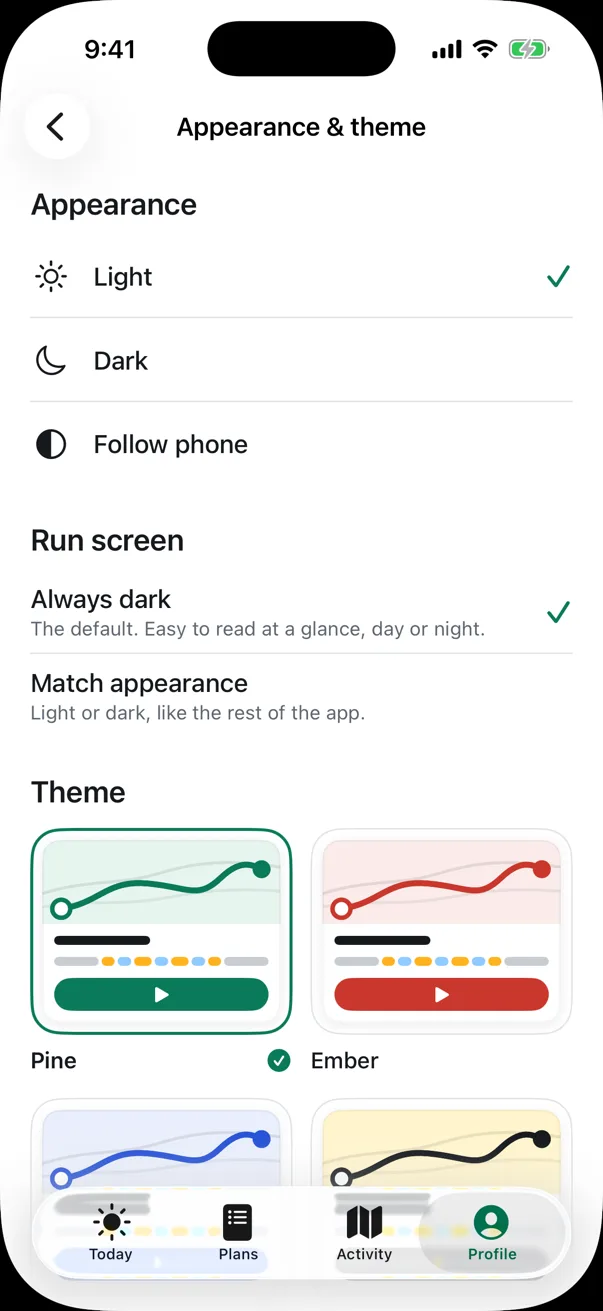
Pick one of five color themes, then choose light, dark or follow your phone.
Use the app and hear the voice coach in English or Spanish. Switch any time in Settings.
No account, no ads and no tracking. Your runs stay on your iPhone.
Pre-launch preview — the app may still change.
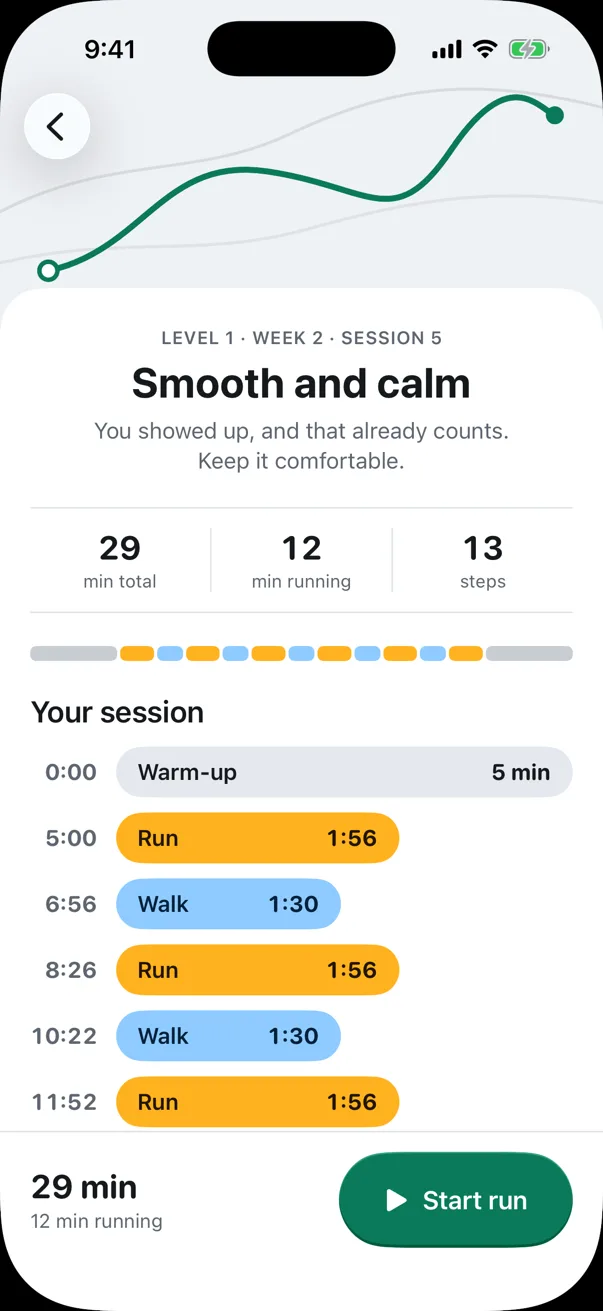
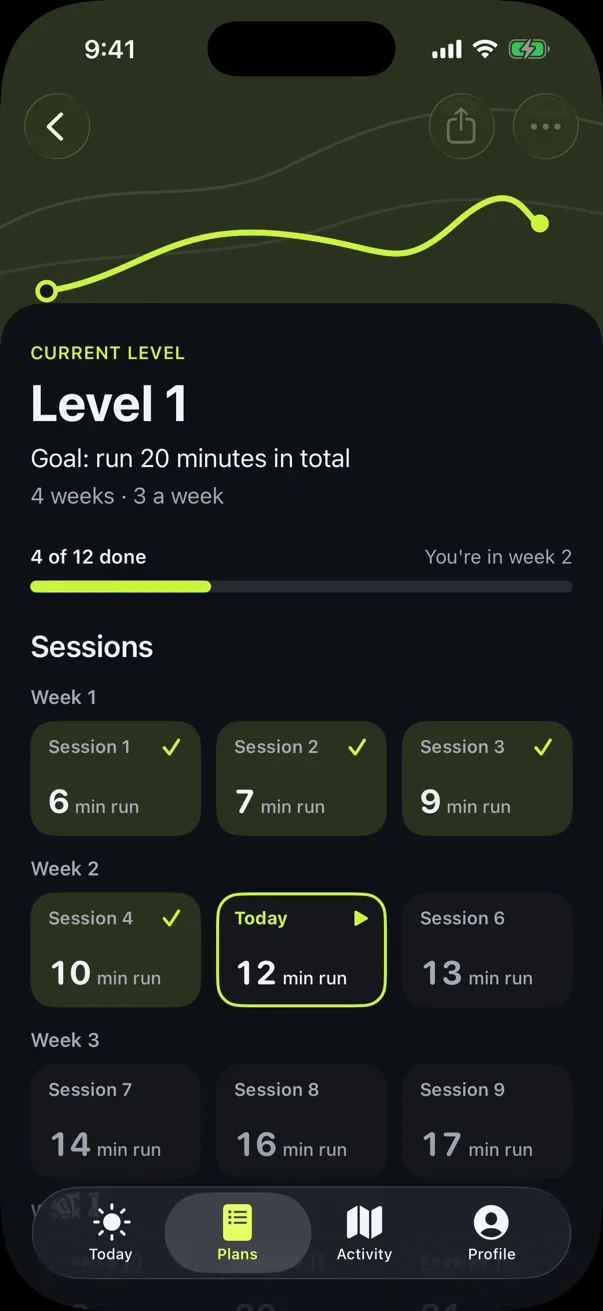
Kanvify works without an account and keeps what you do on your phone.
Read the privacy policyThere’s nothing to sign up for. Your runs, plan progress and routes are saved only on your iPhone.
No ad identifiers and no third-party analytics. We never sell your data.
Share or export a run only when you choose. Delete everything from Settings at any time.
The app has its name and icon: Kanvify, with a K drawn like a route, from an open start ring to a finish dot. The iPhone app is coming soon.
That’s the idea. Kanvify starts gently and adds a little more each week, until running for an hour feels possible.
Coming soon to the App Store
Kanvify 1.0 will be free. No account, no ads.